How to Get Your EPP/Authorization Code on Hostlag
- Login to your Hostlag account. (You can do a forget password if you can't remember your password again or contact support if you can't remember your email address that was registered on the platform)
- Click on any section of the domain name. It could be an empty space within the section.
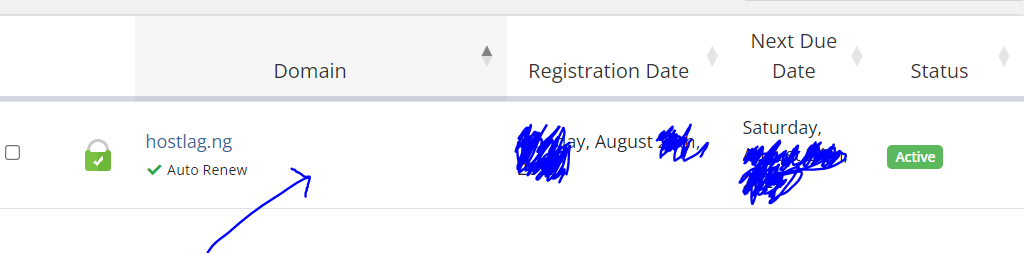
3. At the left hand side under Manage, click on Get EPP code
And that is it. Copy your EPP code and you can transfer your domain out. We do not wish to see you go though, if there is any issue that requires our attention, please do not hesitate to reach out to us via email on support@hostlag.com or whatsapp via +2349139168118